Admin settings
Ez-Runner System have created a Service Portal which will be the gateway to many additional functions to support your business needs. It will include things such as administration tasks; overviews; reporting; Database maintenance and similar items. As these are added clients will be made aware and invited to use them.
Each client will need to designate a user to access; control; and action tasks. Currently this is limited to one single user with full control. The user must click on the Portal Link where they will be greeted with a list of processes. Any selection will then prompt the user to login with the designated email address and password.


Once you have successfully logged in and selected Member Search you are then invited to enter the search criteria. You will need to specify any one (or any combination) of the following:
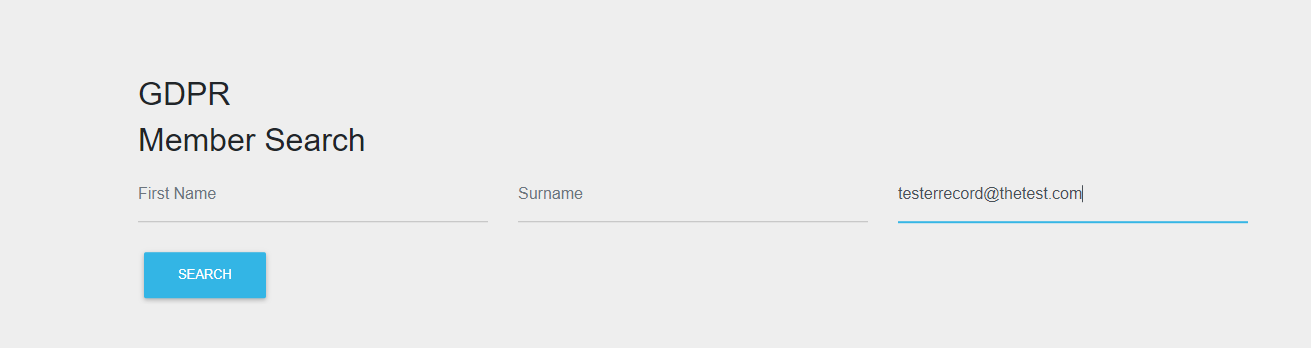
- First Name (any number of letters followed by % will allow wildcard search i.e. firs%)
- Last Name (any number of letters followed by % will allow wildcard search i.e. surna%)
- Email address
The email address is the quickest method to identify the record in question.
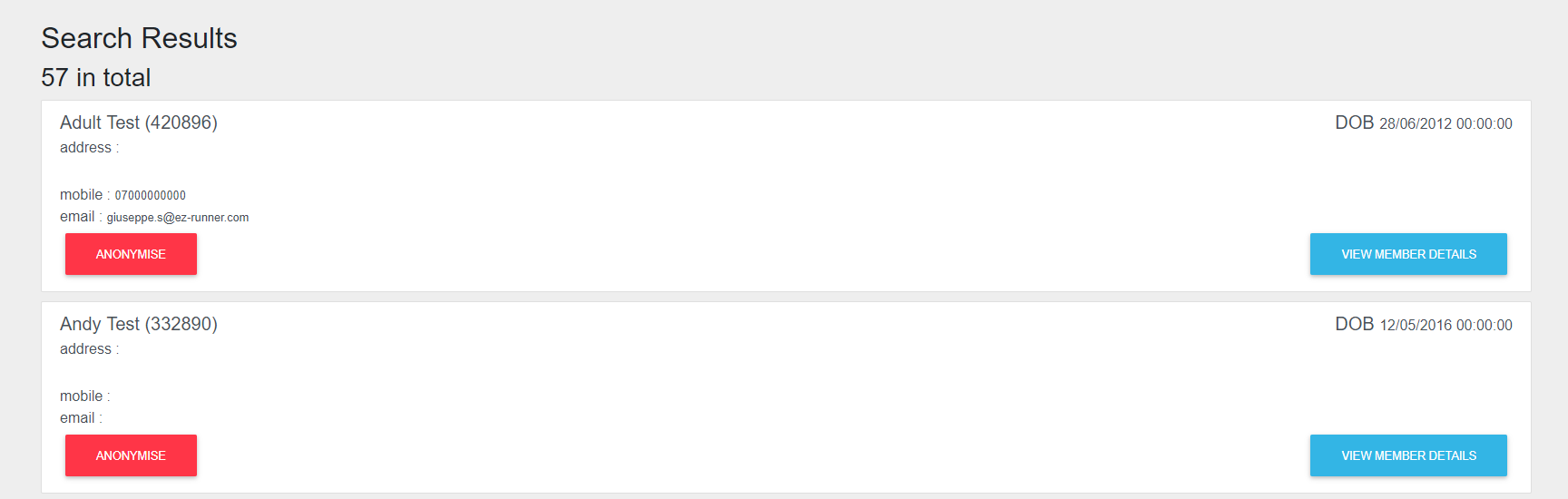
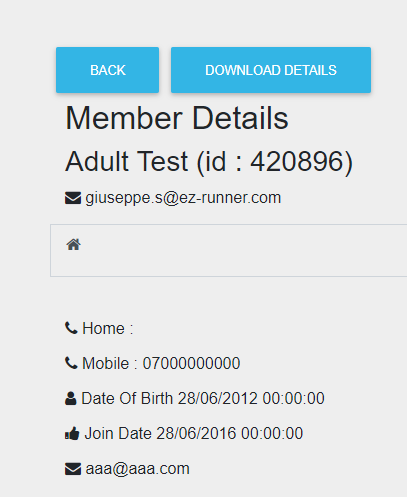
This will then bring back a record or records if the details are correct and allow you to view further details or to add it to the Anonymise Waiting list.
An Audit list is created which will show all records that have been anonymised, the logged in user who actioned it, and the date/time it was completed. This can be accessed from the drop-down menu via option ‘Audit’.
